Frameworks · Security
Essential Eight
Venevor gives you a profile for the maturity level you are targeting, checks the strategies it can read from your systems, and shows what stands between you and the next level.
- Issued byAustralian Cyber Security Centre
- Applies toAustralian government entities and businesses
One check
Counts toward
- Essential EightVerified
- NIST CSF 2.0Verified
- ISO 27001Verified
The framework
What Essential Eight asks of you.
What it is
The Essential Eight is a set of eight mitigation strategies published by the Australian Cyber Security Centre to help organizations protect against cyber threats. The strategies are application control, patching applications, Microsoft Office macro settings, user application hardening, restricting administrative privileges, patching operating systems, multi-factor authentication and regular backups. Its Maturity Model defines levels from Zero to Three, and many Australian government entities are required to reach a set level.
Essential Eight Maturity Model
Who needs it
- Australian government entities
- Businesses supplying Australian government
- Organizations using the Essential Eight as a practical security baseline
1Maturity levels
A profile for each maturity level
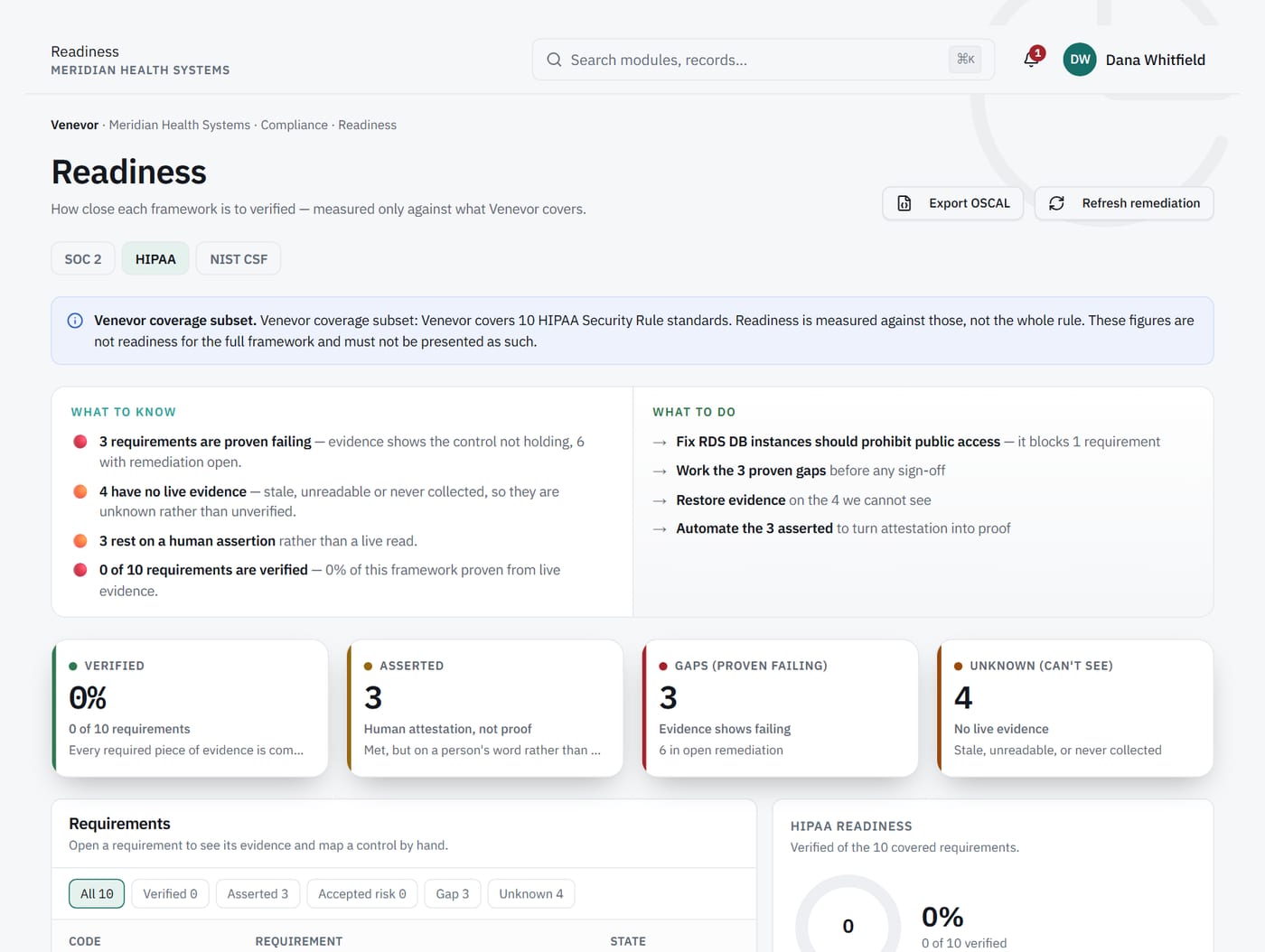
Venevor has a profile per maturity level. Measure readiness against the level you are targeting, then switch profiles to plan the next one.
2Endpoint evidence
Patching and hardening read from your devices
Connectors such as Microsoft Intune, Microsoft Defender, CrowdStrike, Tenable and Qualys read endpoint and vulnerability data directly. Where a strategy cannot be checked automatically, it stays manual and shows as Asserted.
What it does
Records an unreadable check as an error.
What it never does
Count an unreadable check as a pass.
3Exceptions
Accepted gaps with an owner and an end date
If a system cannot meet a strategy yet, record an exception with an owner and an expiry date. The gap stays visible and time-bound, and the exception never overrides an automated status.
Capabilities
Built for Essential Eight.
Maturity level profiles
Measure readiness against the level you are targeting.
Live endpoint data
Intune, Defender and CrowdStrike supply device evidence directly.
Vulnerability scanner input
Tenable and Qualys findings inform your patching strategies.
Identity connectors
Okta and Microsoft Entra ID connect to the systems behind multi-factor authentication.
Exceptions with expiry
Every exception has an owner and an expiry date.
Five readiness states
Verified, Asserted, Exception, Gap and Unknown, with verified and asserted never added together.
One set of evidence
The same checks count toward other frameworks.
- Security
NIST CSF 2.0
Map your program to the six CSF 2.0 Functions.
See NIST CSF 2.0 → - Security
ISO 27001
Prepare your ISMS and Annex A controls for certification.
See ISO 27001 → - Compliance
Compliance automation
Controls that prove themselves from live checks.
Learn more → - Risk
Vulnerability management
Scanner findings ranked by exploitation, fix-first.
Learn more → - Compliance
Exceptions
Accepted gaps with an owner and an expiry date.
Learn more →
FAQ
Essential Eight questions.
Does Venevor assess our maturity level for us?
Venevor shows readiness against each maturity level based on your checks and evidence. A formal assessment is carried out by your own or an outside assessor, who can review the evidence in a dedicated workspace.
Can we track more than one maturity level?
Yes. Each maturity level has its own profile, so you can measure the level you hold and plan for the next.
Our environment is mostly Microsoft. Which connectors help?
Microsoft Intune, Microsoft Defender and Microsoft Entra ID are all built connectors, alongside CrowdStrike, Tenable and Qualys.
How does the Essential Eight relate to other frameworks?
Strategies such as patching, restricting administrative privileges, multi-factor authentication and backups overlap with NIST CSF and ISO 27001. The overlap view shows where, and one check counts toward each.
See your Essential Eight readiness on real evidence.
A walkthrough built around your frameworks and the systems you already run.